 Clausey
I replaced a $50K-a-year CRM with an open-source stack that costs about $40 a month to run. The software itself is free: Twenty, an open-source CRM, with an AI layer on top, Postgres underneath, and a job queue in between. What you actually pay for is infrastructure — compute, storage, and email — sized to your usage rather than to your headcount. There is no per-seat tax, and you own the whole thing.
There is a real catch, and it is the reason this is not free money: you have to run it. That tradeoff is the whole decision, so it gets its own section at the end rather than a footnote. Here is the deck, and the breakdown follows.
Every SaaS CRM makes the same pitch
Pay per seat. Forever. Hope the feature you need is not behind the next tier. And the "AI" is a bolt-on you pay extra for.
The structural problem is not the price on the page. It is that your bill grows every time you hire. Headcount and software cost are welded together, even though the work the software does for a tenth person is not meaningfully more expensive to serve than it was for the ninth. You are paying for a pricing model, not for consumption.
What most people miss about open source
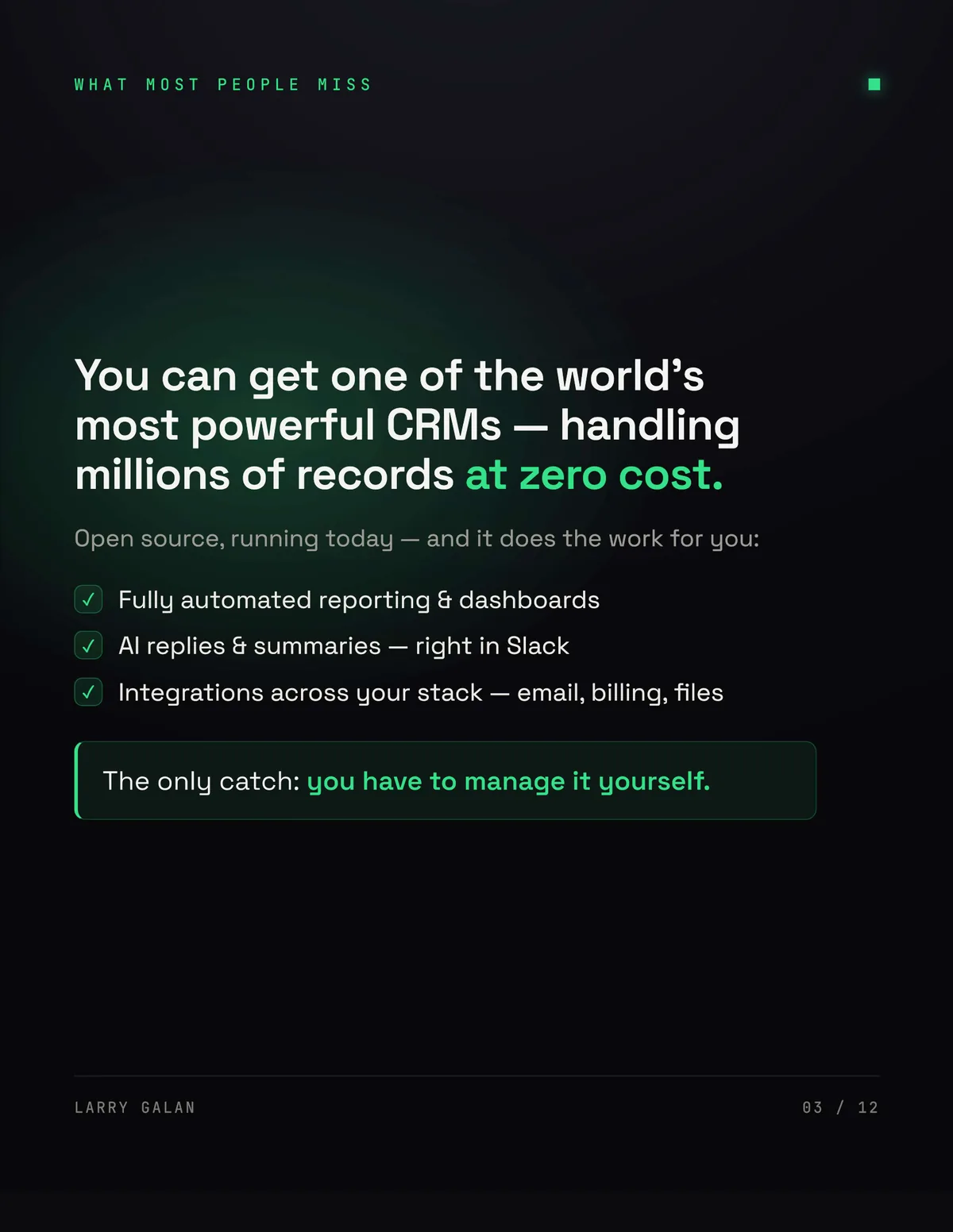
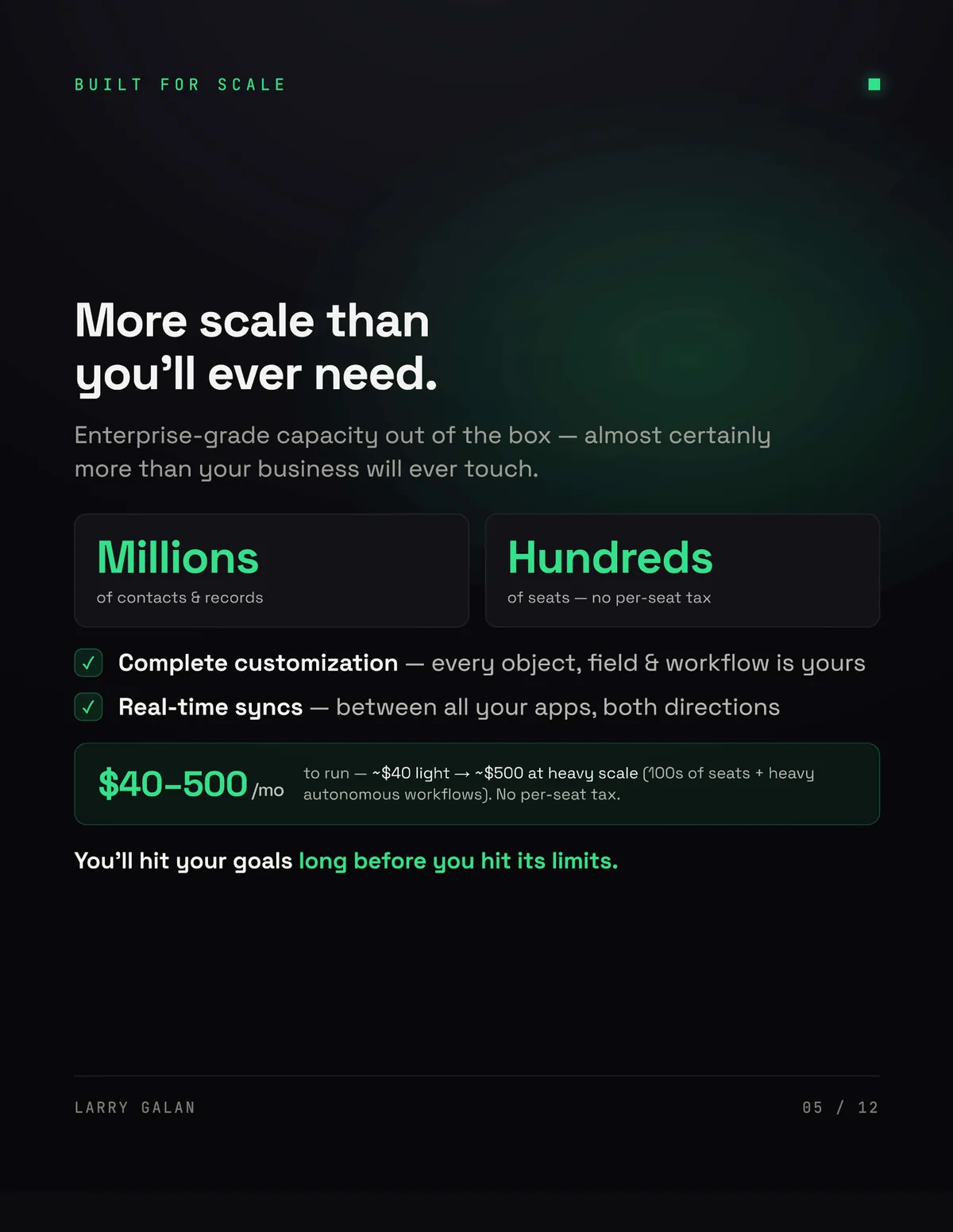
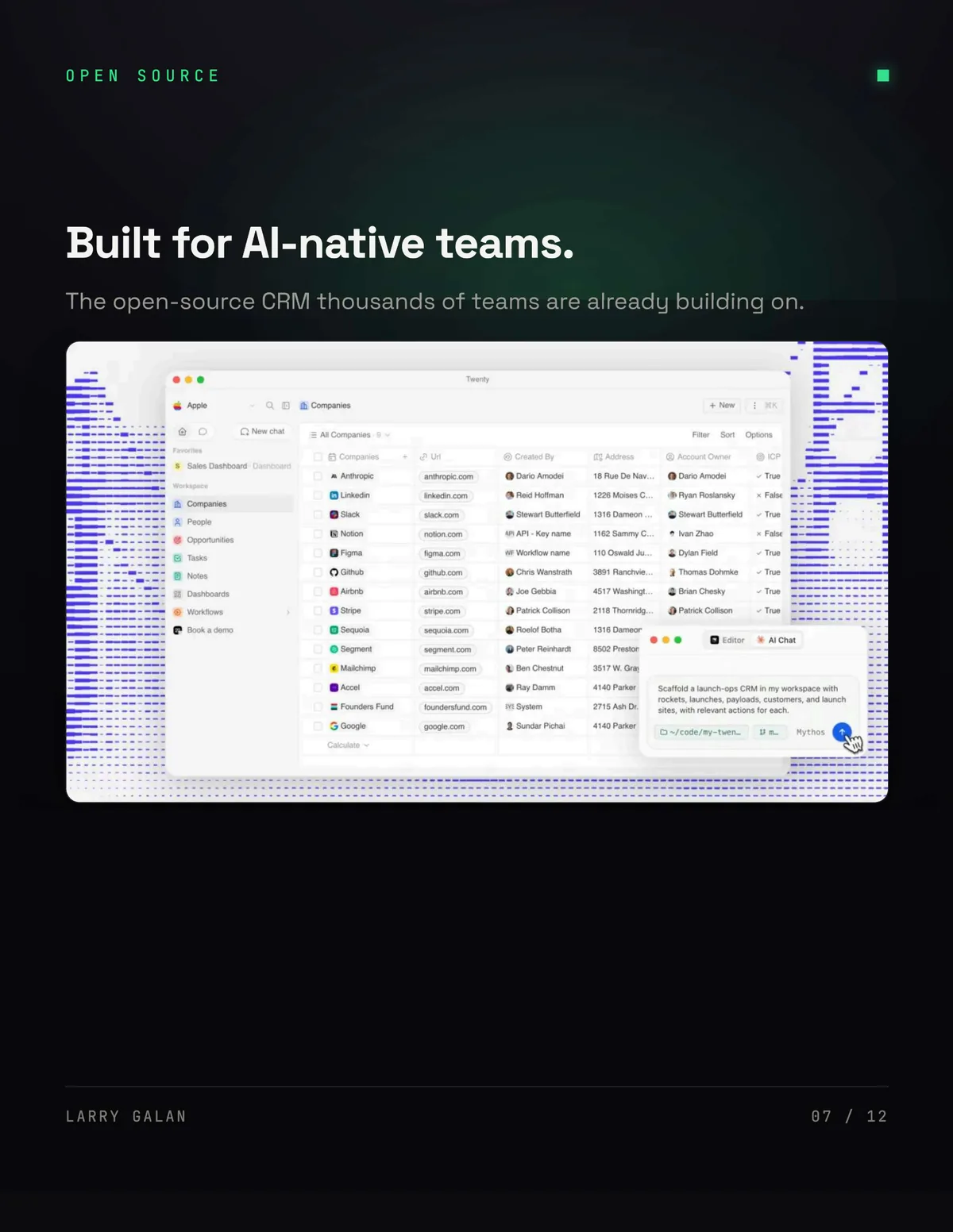
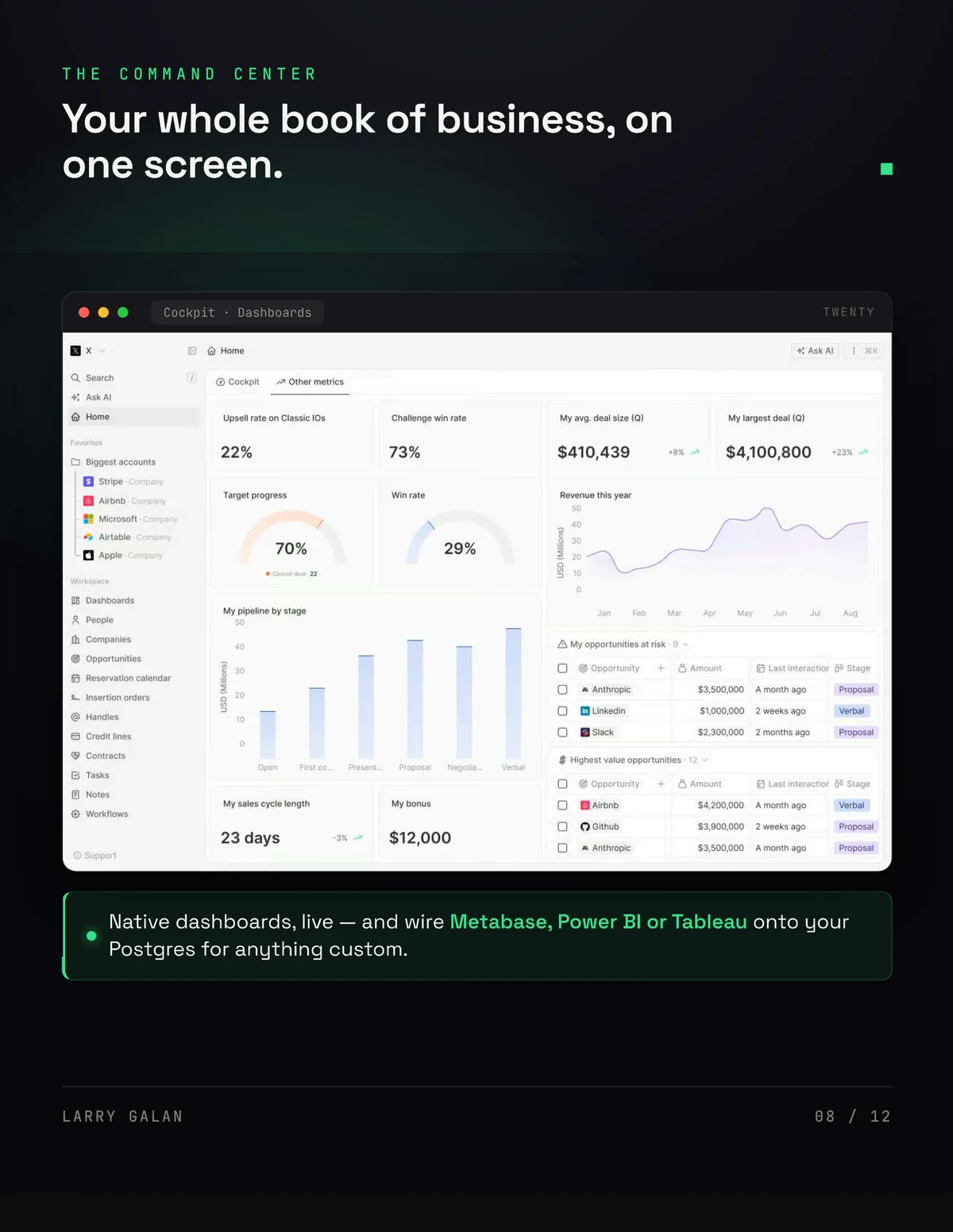
You can run one of the more capable CRMs available today, handling millions of records, at zero licence cost. Not a stripped-back community edition — the actual product, with automated reporting and dashboards, AI replies and summaries in Slack, and integrations across email, billing and files.
The catch is not capability. It is that you have to manage it yourself, which is a real cost and one most write-ups on this topic quietly skip.
The stack
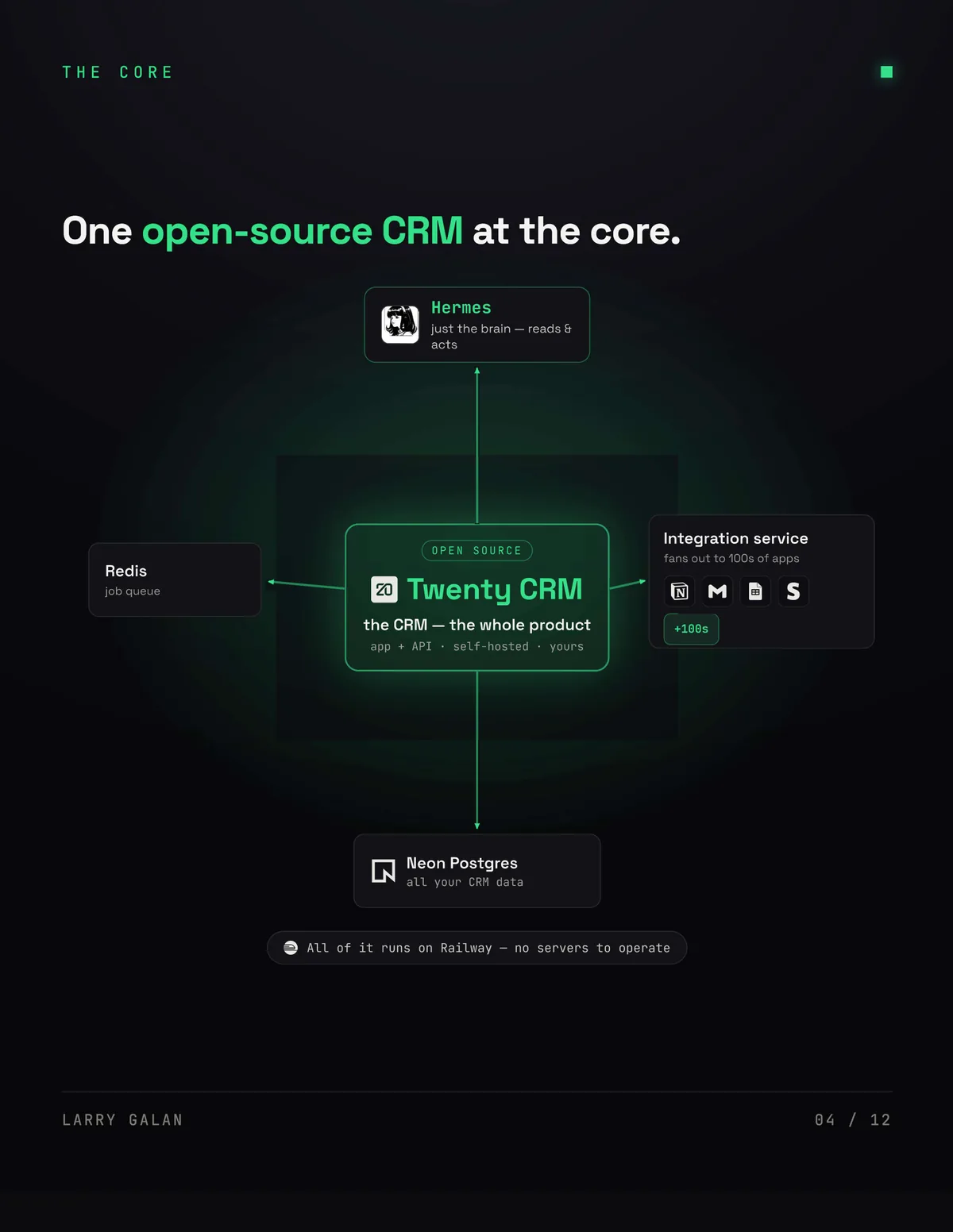
One open-source CRM sits at the core. Twenty is the whole product — app plus API, self-hosted, yours. Around it: Neon Postgres holds all the CRM data, Redis runs the job queue, and an integration service fans out to the other tools in the stack. An AI layer — Hermes, in my setup — sits on top as just the brain: it reads and it acts. All of it runs on Railway, so there are no servers to operate directly.
The part worth noticing is which piece is load-bearing. The CRM is the product, but Postgres is where the truth lives — the same argument we make in Durable Agents on Plain Postgres. Because the data sits in a database you control, every other component is replaceable. That is what "you own it" actually means in practice, and it is why there is no lock-in: swapping the AI layer or the queue does not put your records at risk.
What the AI layer actually does
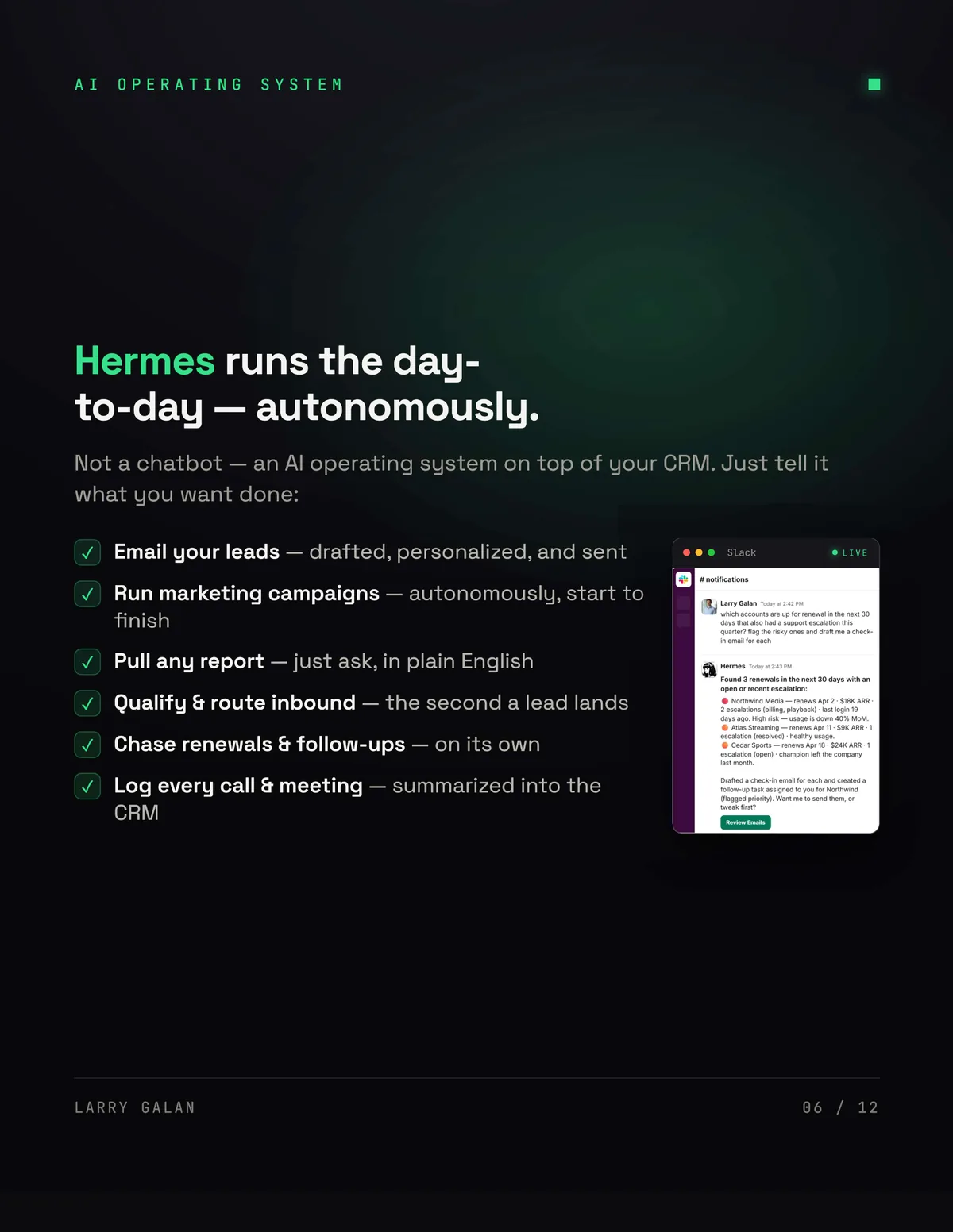
This is the part that makes it a command center rather than a database with a nice front end. It is not a chatbot bolted onto a sidebar — it is an operating system on top of the CRM, and you tell it what you want done.
It emails leads, drafted and personalized. It runs marketing campaigns start to finish. It pulls any report from a plain-English question. It qualifies and routes inbound the second a lead lands, chases renewals and follow-ups on its own, and logs every call and meeting summarized back into the CRM.
Because it reports into Slack, the interface stops being a set of screens you visit and becomes a conversation you have. That is the same shift we described in The Software Economy Is Being Repriced: the application dissolving into a system, consumed by software rather than by eyeballs.
What does it actually cost to run?
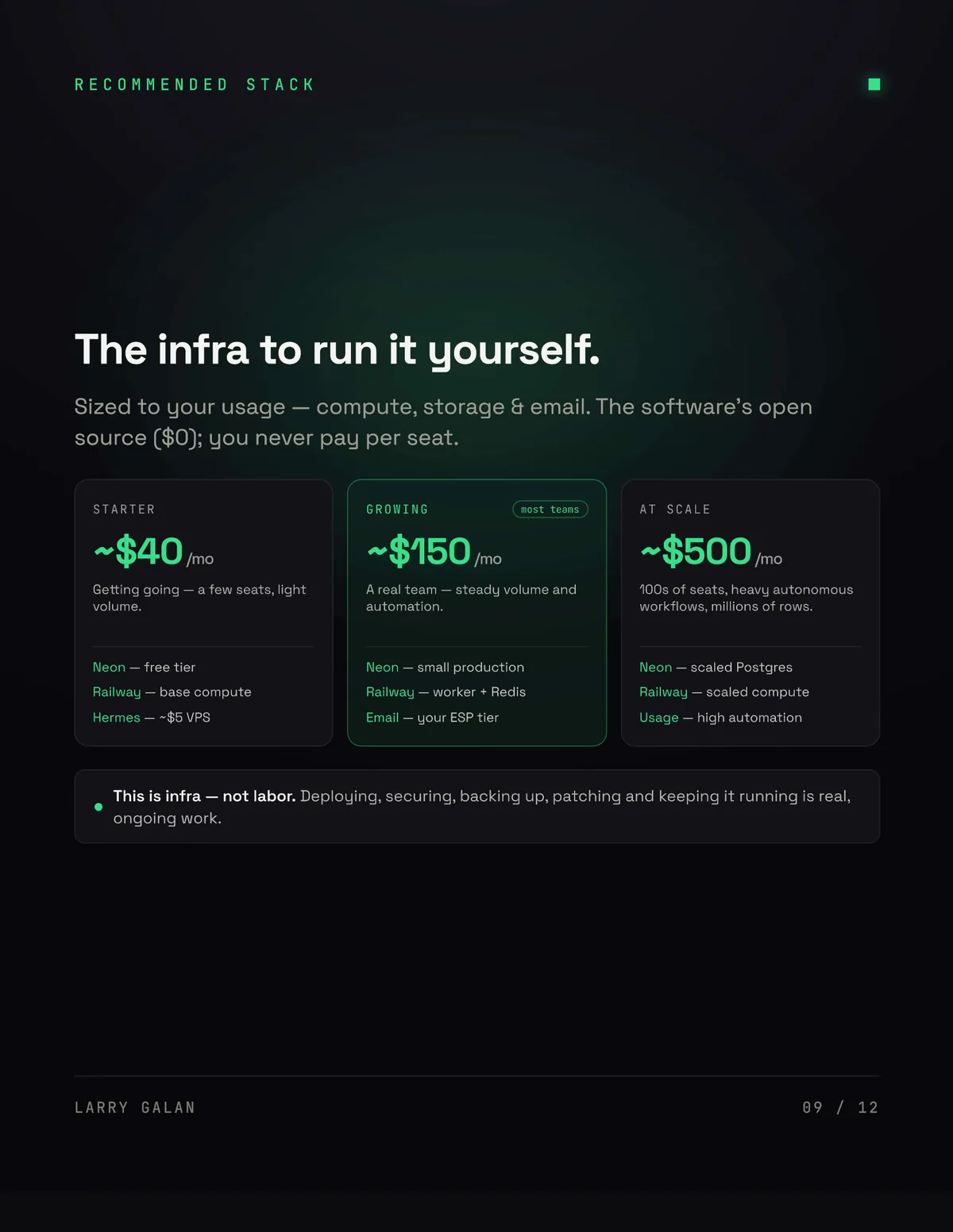
The software is $0. What you pay for is infrastructure, sized to usage, and it scales with load rather than with headcount.
At the starter end — a few seats, light volume — you are looking at roughly $40 a month: Neon on the free tier, base compute on Railway, and a small VPS for the AI layer. A real team with steady volume and automation lands nearer $150: small production Postgres, a worker and Redis, plus your email provider's tier. And at heavy scale — hundreds of seats, heavy autonomous workflows, millions of rows — it runs closer to $500.
Note what does not appear in any of those tiers: a per-seat line. Adding your tenth colleague does not change the bill. Going from hundreds of records to millions does, but far less than a seat-based contract would.
Legacy versus AI-first
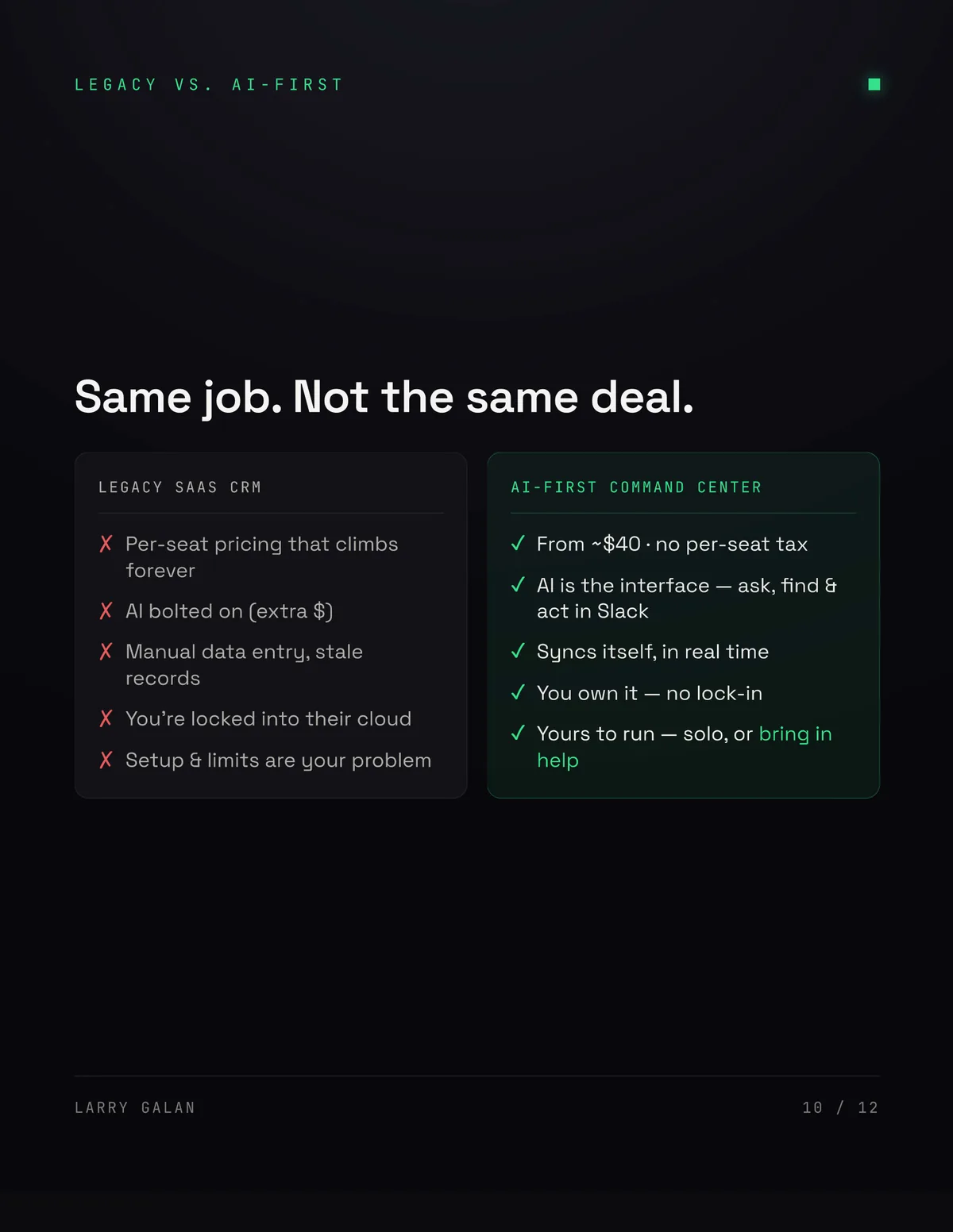
Same job, different deal. The legacy path gives you per-seat pricing that climbs forever, AI bolted on for extra, manual data entry and stale records, lock-in to a vendor's cloud, and setup and limits that are your problem regardless.
The AI-first path starts around $40 with no per-seat tax, makes AI the interface rather than a feature, syncs itself in real time, and leaves you owning the whole thing. Customization is complete — every object, field and workflow is yours, because you have the source.
So should you self-host?
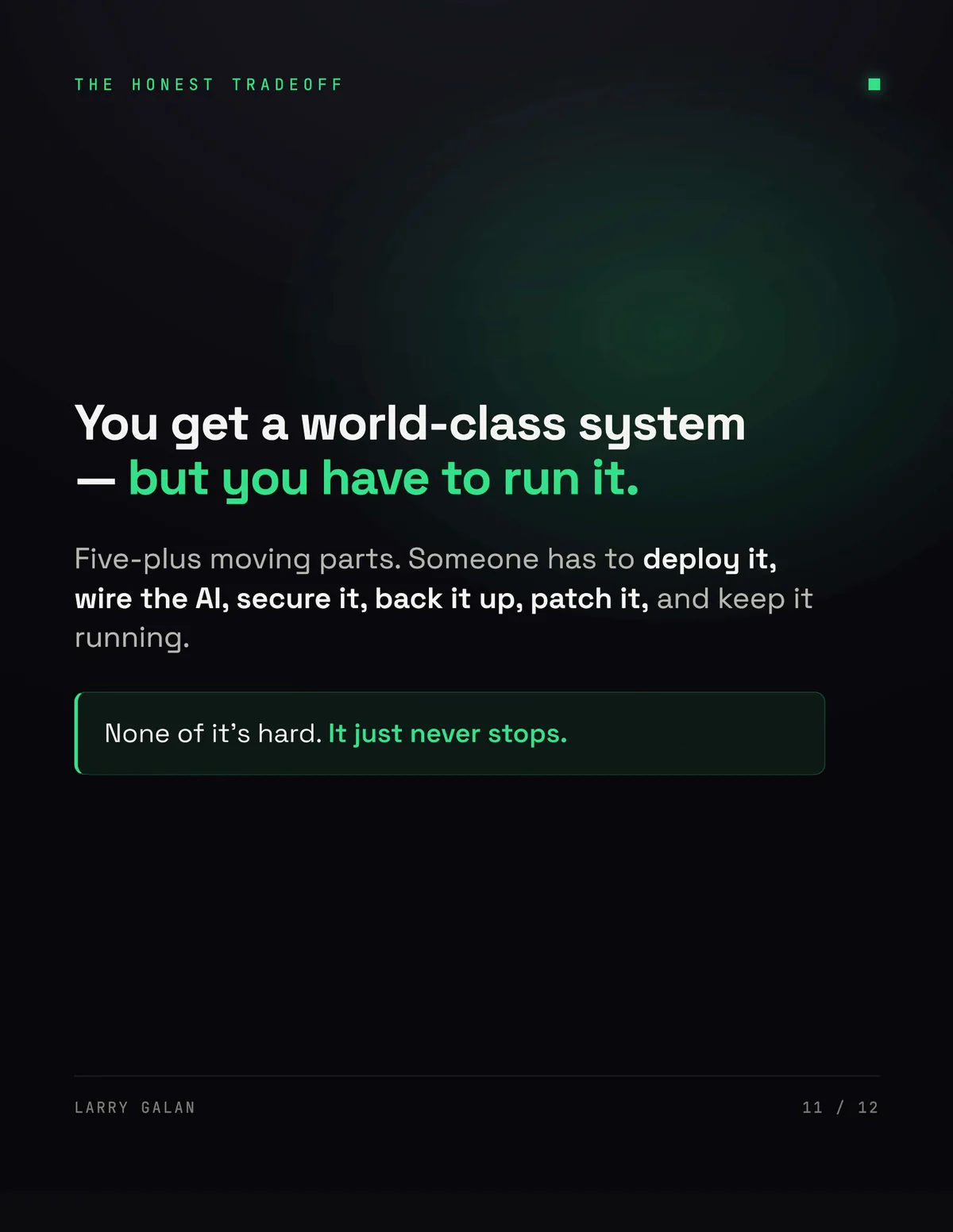
Here is the honest answer, and it is the reason this piece exists rather than a link to a pricing page. You get a world-class system — but you have to run it.
Five-plus moving parts. Someone has to deploy it, wire the AI, secure it, back it up, patch it, and keep it running. None of that is hard. It just never stops. That is the real trade: you exchange a predictable per-seat invoice for infrastructure work that lands on someone's desk every week, forever.
Which way that maths falls depends entirely on whether you have someone who will genuinely own it. If you do, the economics are hard to argue with. If you do not, a $50K contract is buying you an operations team, and that is a legitimate thing to buy — it is just worth knowing that is what you are buying.
Where Clausey fits
We run this way ourselves, which is why I can describe the tradeoff rather than just the upside. It is also the second of the seven mechanisms in How AI-Native Firms Can 5x Past Incumbents: open source plus AI equals ownership.
The same calculus applies to document infrastructure, and we are honest about which side we are on. Clausey is the run-it-for-you answer there — turning contracts, policies and records into tracked deadlines, enforced rules and audit-ready records — because that particular problem carries evidence, audit and retention obligations most teams do not want to operate themselves. A CRM is a good place to own your stack. Your compliance obligations are a good place to have someone else on the hook.